
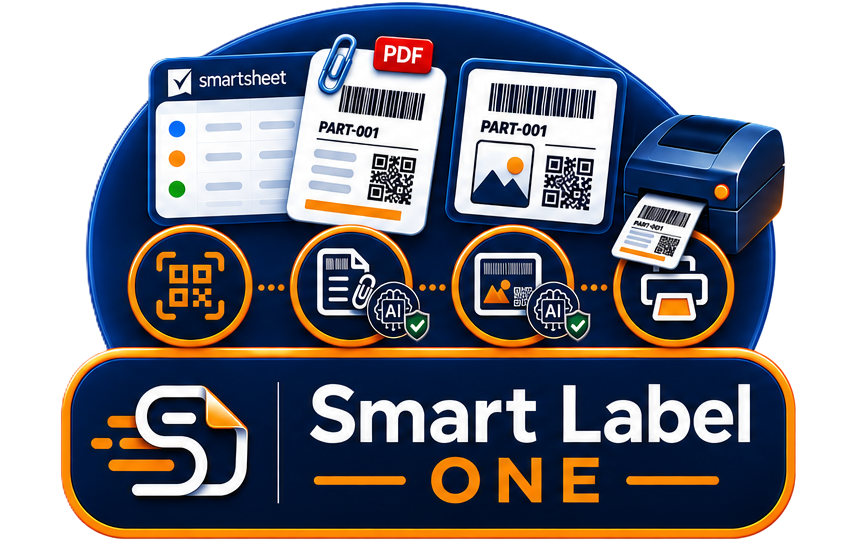
Smart Label One©
One suite. Four powerful ways to connect Smartsheet with labels.
Smart Label One© brings the complete Smart4B label ecosystem together. From QR codes directly inside Smartsheet to professional PDF labels, inline label images and automated physical printing.
All four solutions are built around the same principle: your Smartsheet data remains the source. Choose the capability that fits your workflow — or combine them.
Inline QR Generator©
Create machine-readable QR codes directly inside a Smartsheet cell using a simple formula.
Discover →
Smart Label Generator©
Turn a Smartsheet row into a professional PDF label and attach it directly to the row. AI validation can check the finished label.
Discover →
Inline Label Generator©
Generate a complete label as an image directly inside a Smartsheet cell using the simple =LABEL() formula.
Take a sneak peek →
Smart Label Printing©
Our flagship and most comprehensive solution. Combine professional labels, AI validation, printer integration, forms and automation.
Discover the flagship →
AI Label Validation
An additional AI capability that can validate a generated label against your predefined guidelines, requirements and rules.
Discover AI Validation →One ecosystem. Four ways to work with labels.
Each Smart Label One capability solves a different label-related challenge while staying closely connected to Smartsheet.
From one simple formula to complete label automation
Smart Label One covers the complete journey — from information displayed in Smartsheet to labels that are generated, validated and physically printed.
The Smart Label One – Suite
Use one capability independently or combine multiple capabilities into a larger Smartsheet-based process.
Which Smart4B label solution fits your needs?
Compare the four capabilities at a glance. Hover over a capability to learn more.
| Capability | Inline QR Generator© | COMING SOON Inline Label Generator© | Smart Label Generator© | ★ FLAGSHIP Smart Label Printing© |
|---|---|---|---|---|
| QR Codes Generate QR codes from Smartsheet data and use them directly on labels or inside Smartsheet. | ✔ | — | ✔ | ✔ |
| Barcodes Generate professional machine-readable barcodes from Smartsheet data. | ✔ | — | ✔ | ✔ |
| DataMatrix Create compact DataMatrix codes from Smartsheet information for professional labels. | ✔ | — | ✔ | ✔ |
| Professional Label Create a professionally designed label layout using Smartsheet data, including graphics, codes and formatted information. | — | Coming soon | ✔ | ✔ |
| Inline Label Image Render a complete label as an image directly inside a Smartsheet cell using the =LABEL() formula. | — | Coming soon | — | — |
| Simple Smartsheet Formula Generate the result directly from a simple Smartsheet formula rather than requiring a separate workflow. | ✔ | Coming soon | — | — |
| PDF Generation Generate a finished professional label as a PDF document from a Smartsheet row. | — | — | ✔ | ✔ |
| Row Attachment Automatically attach the generated label PDF directly to the relevant Smartsheet row. | — | — | ✔ | ✔ |
| Rowlink QR Create a QR code that links back to the relevant Smartsheet row or workflow. | — | Coming soon | ✔ | ✔ |
| Direct Printer Integration Connect label workflows directly to professional label printers for production printing. | — | — | — | ✔ |
| Interactive Forms Use forms as part of the label workflow to capture information and trigger label-related processes. | — | — | — | ✔ |
| Automated Printing Automatically generate and print labels based on Smartsheet events, workflows or business processes. | — | — | — | ✔ |
| ✨ AI Label Validation Use AI to validate a generated label against predefined guidelines, requirements or rules. | — | Coming soon | ✔ | ✔ |
🚀 Ready to make more of your Smartsheet data?
Smart Label One gives you one ecosystem for QR codes, inline labels, generated PDF labels and professional label printing.